

Stream as a Character
An AI face swap webcam keeps a Twitch streamer's character on air through real time face swap webcam streaming.
Examples
- Just Chatting
- Gaming
- Q&A
An AI face swap webcam replaces the face in your live camera picture with the face from one reference image while you stay on camera. Your browser sends each frame to a cloud service, which redraws it and sends it back. That's why it works in real time. The new face moves with you and there's nothing to render afterward, unlike tools where you record a clip, upload it and swap later. A session needs no graphics card, and the camera feed is not saved. OBS then sends the swapped picture wherever you need it.
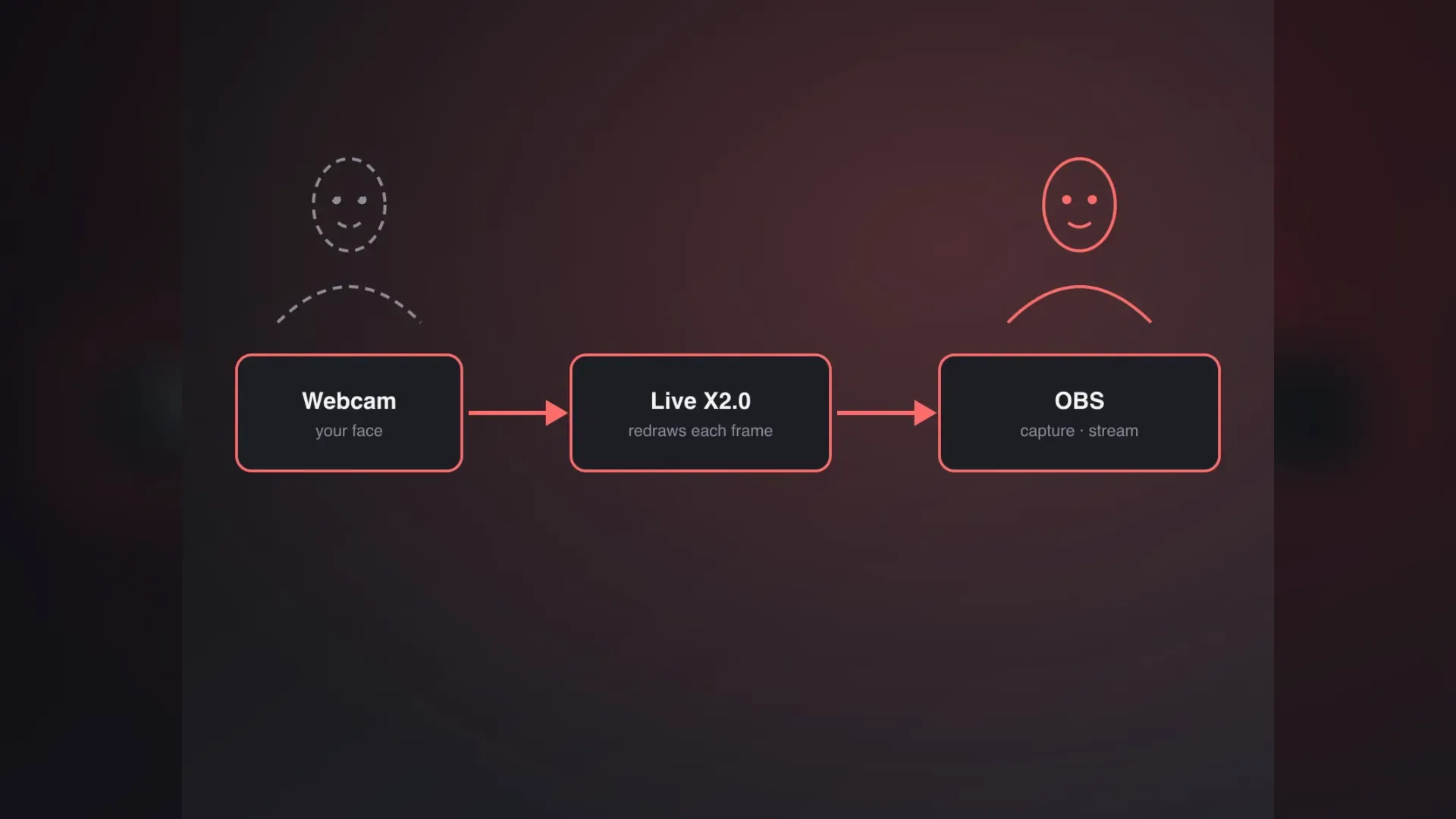
OBS carries the swapped picture onward.
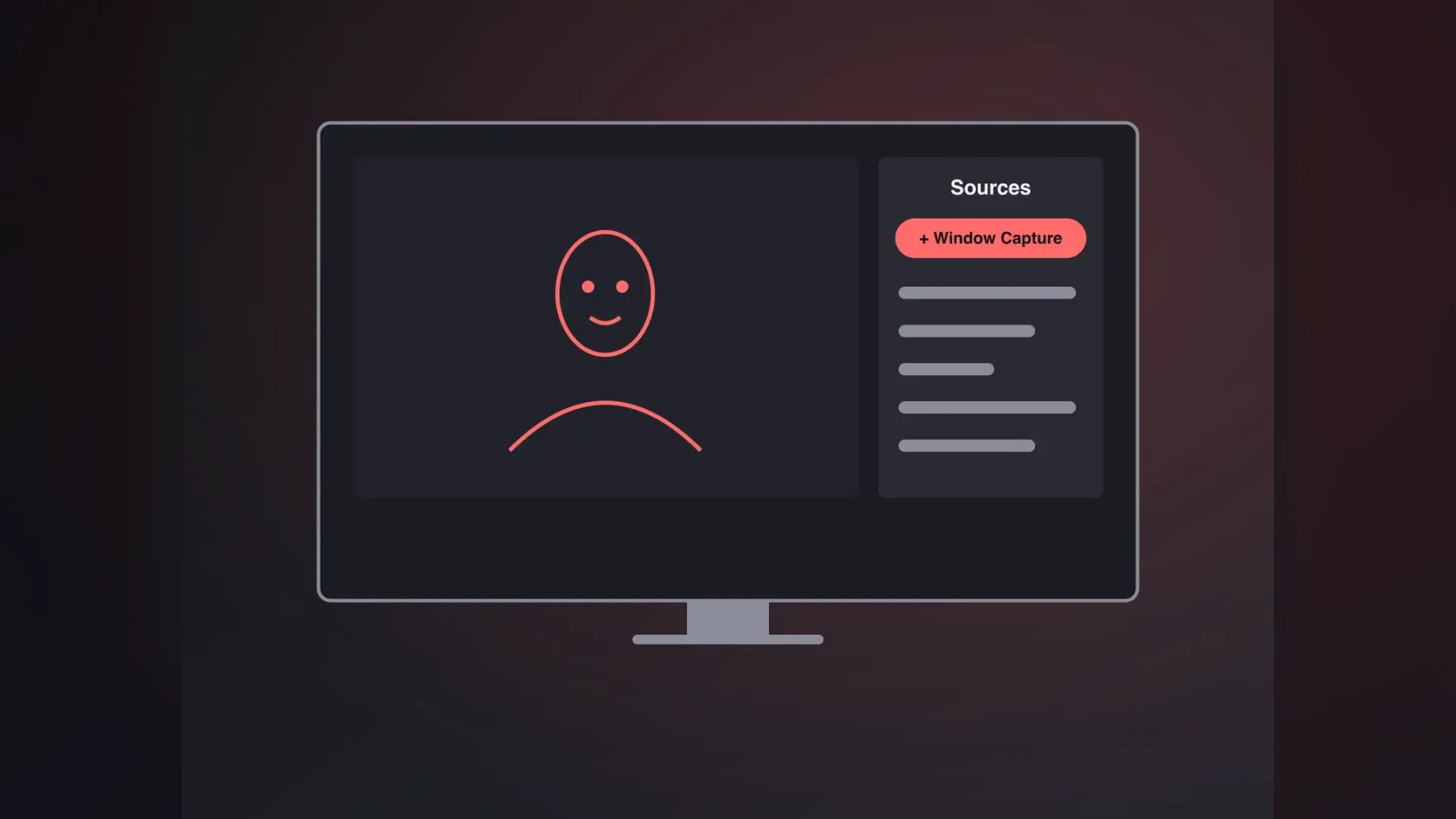
The clean output window shows only the AI face swap webcam picture, so OBS can capture it as a window source.
AI Picture Only
Only the swapped picture.
Crop and Scale
Fit it to your canvas.
Mix Scenes
Add overlays and alerts.
Modes, cameras and privacy.
Camera busy, access denied, no camera, or no picture for 60 seconds; a dropped link reconnects once.
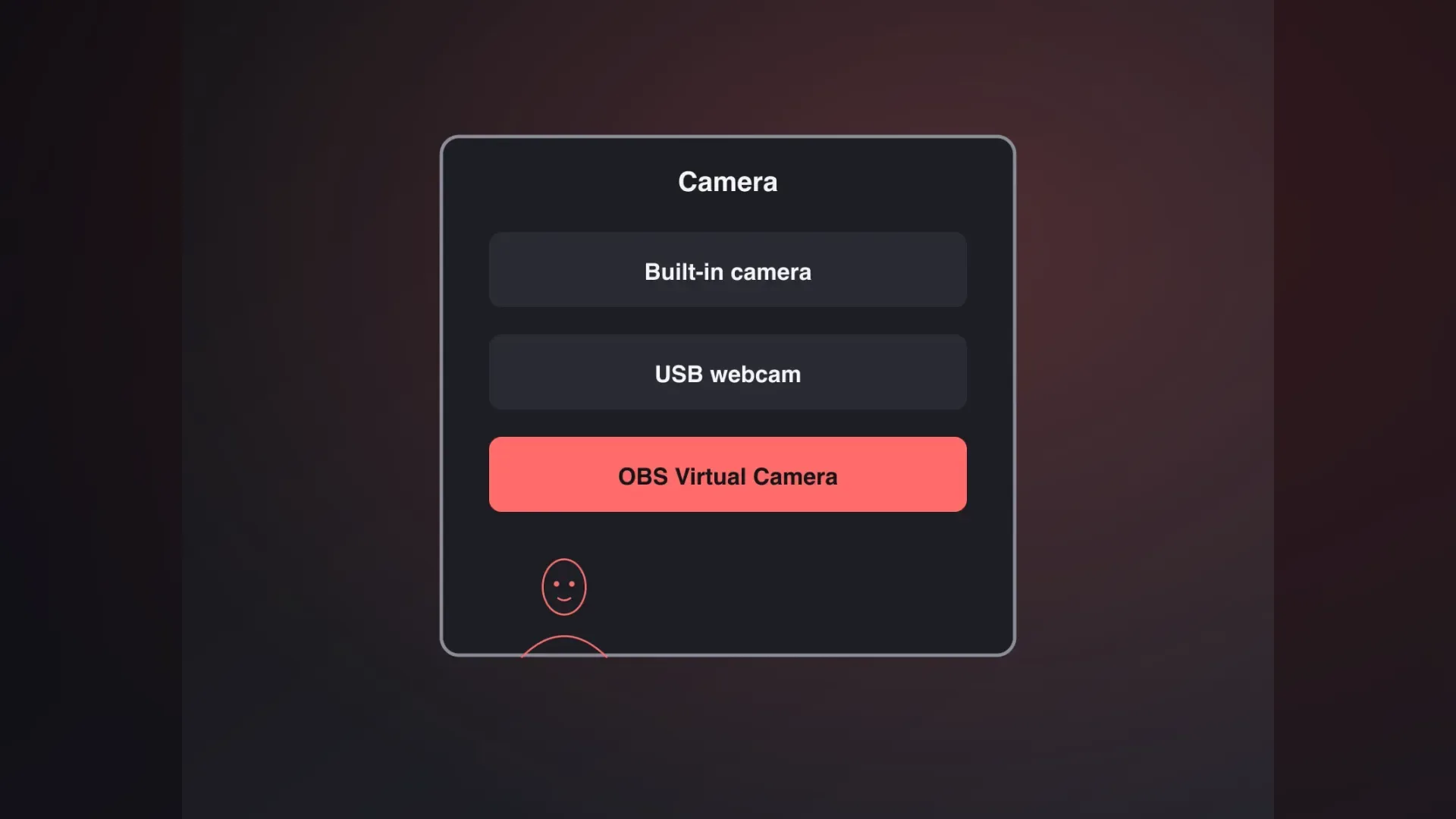
Pick a built-in or USB webcam from the list.
The AI face swap webcam library has 30 faces, plus your own uploads after a content check.
Anime, pixel art, clay, watercolor, ink comic, neon cyber: face swap filters webcam streamers want, redrawn over the whole frame, not pasted on like webcam filters.
Try-on mode dresses you in library clothing to check a costume on camera.
The camera feed is not stored; recordings stay on your own device.
Six real setups, from streams to classrooms.
An AI face swap webcam keeps a Twitch streamer's character on air through real time face swap webcam streaming.

Face swap webcam recording lets a sketch creator play several characters in one sitting, then cut Shorts.

An AI face swap webcam lets a tutorial creator show a talking host without revealing their real face.

Live webcam face swap in style mode gives a streamer an anime or clay look, no 3D rig.

Live face swap lets a media-literacy teacher show students how a real-time swap with a library face looks.

Live face swap lets a security team show staff a faked colleague on camera, using a library face.
Your AI face swap webcam, from camera to OBS.
Allow camera access and pick a camera. The preview is free, with no sign-in.
Choose a face, style or outfit, or upload your own image for a content check.
Sign in with Google, accept the consent terms, press Start, then add the clean window to OBS.
OBS, Mac, credits and camera fixes.
The browser studio sends each camera frame to a cloud service, which redraws the face to match your reference image and returns it in real time. The camera feed is not saved, and recordings you make stay on your own device.
The browser studio needs neither: it runs in a browser tab, and the swap is computed in the cloud. Most face swap software needs an install and a strong GPU; here there is no client or camera driver to add.
OBS picks it up through the clean output window. Pop out that window, which shows only the AI picture, add it as a Window Capture source, and stream to Twitch with your usual settings. For Zoom or Discord calls, see the video call setup page.
The browser studio runs in a Mac browser just as it does on Windows. For a virtual webcam, open OBS, capture the clean output window, then click Start Virtual Camera; apps such as Zoom or Meet can then select OBS Virtual Camera.
Webcam filters paste a sticker or mask over your face. Our studio redraws the face from a reference image. Installed swap programs use your graphics card, while this one runs in the cloud. The trade-off: the studio doesn't include an installable client or camera driver, so OBS supplies the virtual camera.
The camera preview is free with no sign-in. Signing up adds 180 credits, valid 30 days, about 3 minutes of Live X2.0 at 1 credit per second. Credits are reserved when you press Start, and unused ones return after the session ends.
Yes. From the Business plan up, you can use your AI face swap webcam recordings commercially. On every plan, downloaded recordings carry an AI generated mark in the lower-right corner, and you confirm you are 18 or older and have permission for the faces you use.
The studio's status message names the cause: camera in use, access denied, no camera found, or no picture for 60 seconds. Close other apps using the camera or pick another one from the list. A dropped connection reconnects once automatically.
The studio overview and the video call setup.

Use the AI face swap webcam in your browser to swap the face on your camera in real time, then send the picture into OBS.
Your webcam goes in, and the swapped face comes out in a browser window that OBS Studio can capture.
The live face swap studio is opening soon. Your click is counted, and nothing was recorded or sent.